At a glance
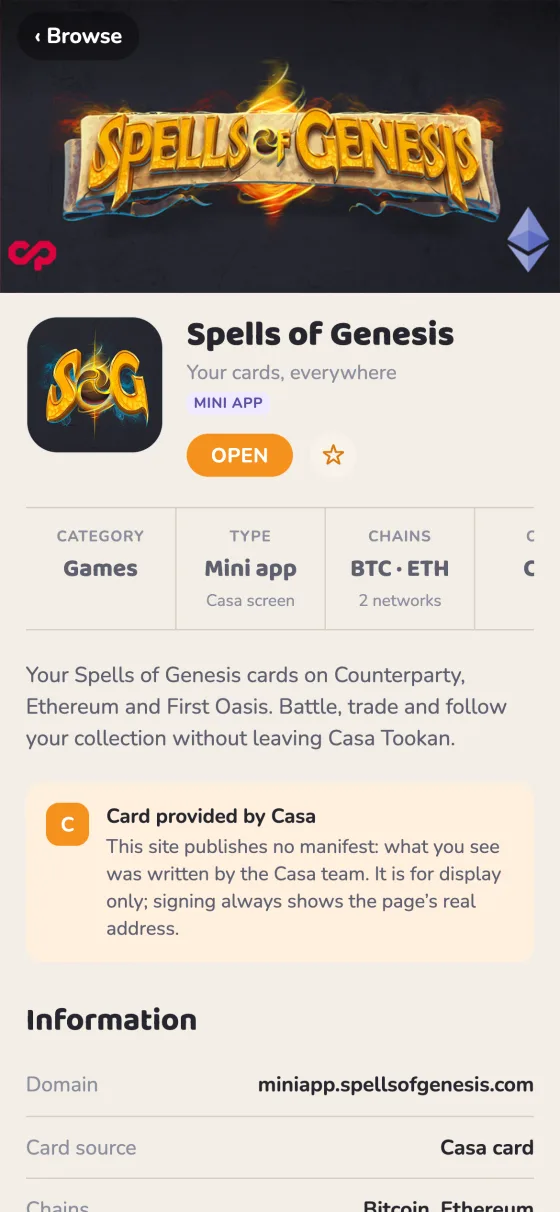
wallet member to the Web App Manifest you already have — the Wallet App Manifest, an open format any wallet can read. Casa Tookan then shows your site with its own name and icon, a splash screen while it loads, a card with your banner in Browse › Apps, and a notice when you need something it doesn’t offer.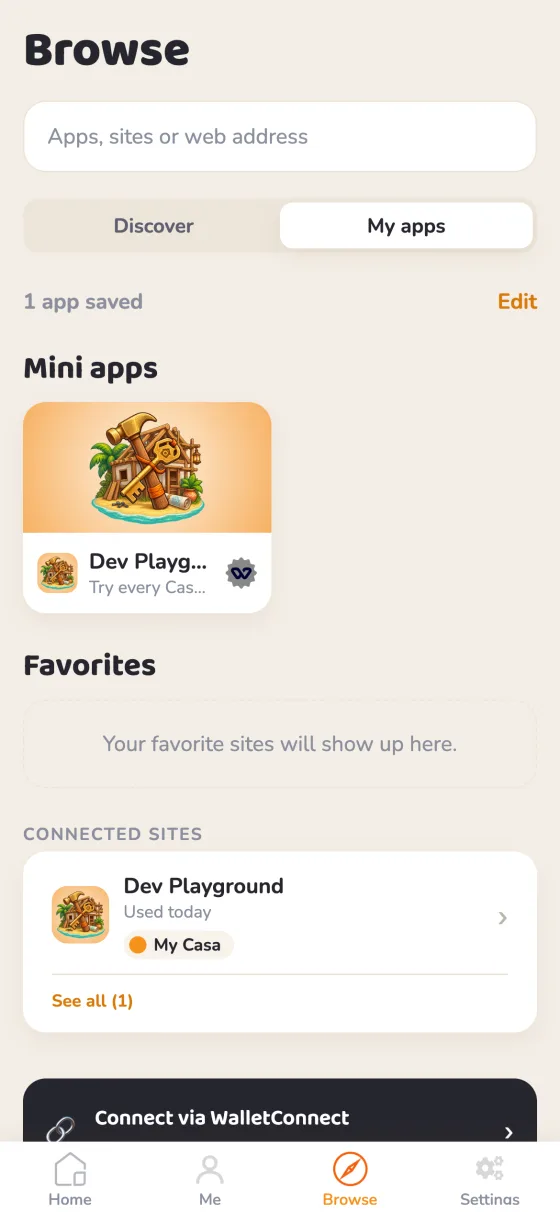
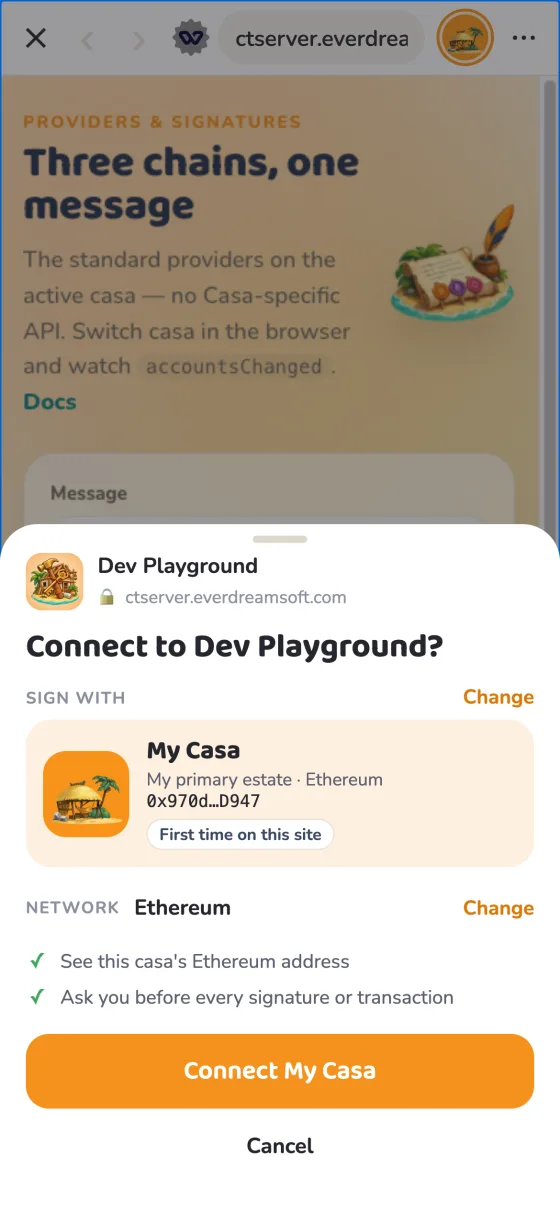
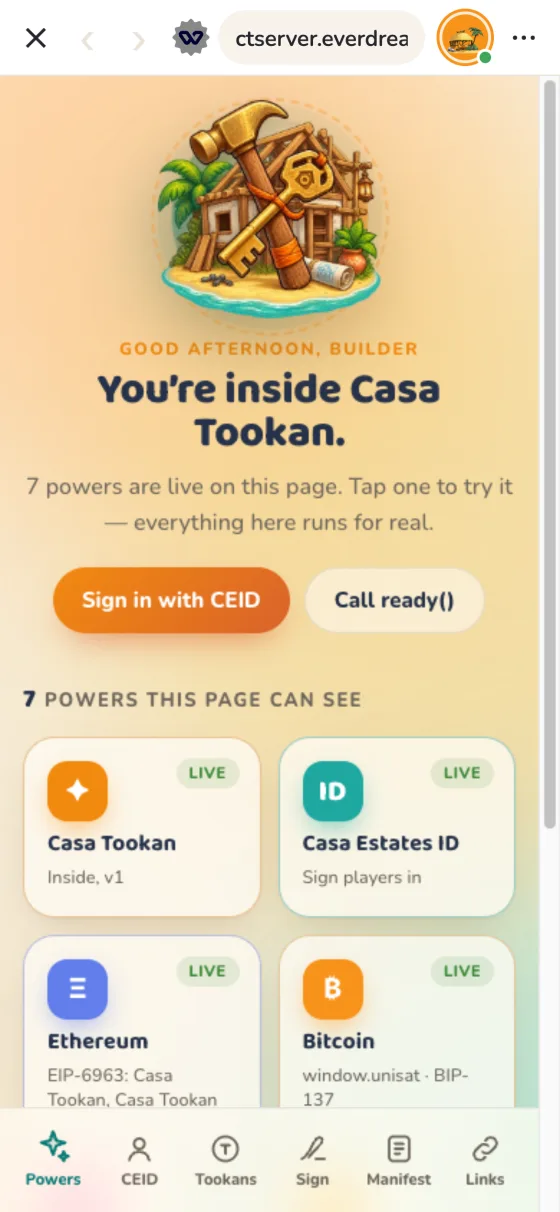
| You declare | Casa Tookan shows |
|---|---|
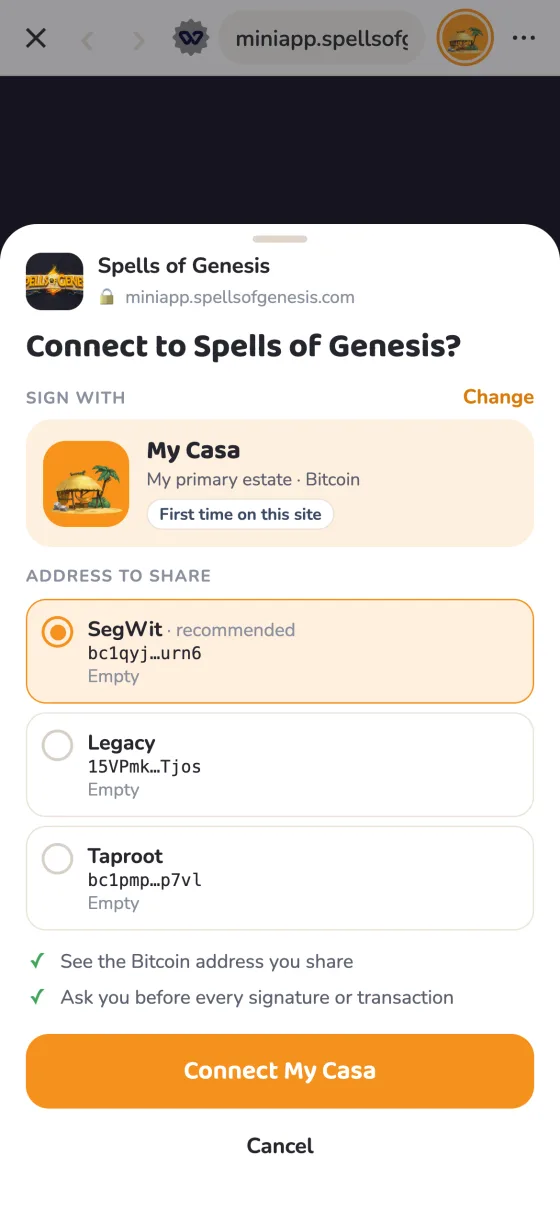
name, icons | Your name and icon in the address bar, and in the sheet where the user approves a signature |
wallet.splashImageUrl, background_color | A splash screen while your app loads, until you call window.wallet.ready() |
wallet.heroImageUrl, wallet.subtitle, start_url | A card in Browse › Apps when the user saves your app — it opens at start_url |
wallet.chains, wallet.capabilities | A dismissible notice when you require something Casa Tookan lacks; your app still opens |
casatookan in full — Casa (casa.io) is an unrelated Bitcoin wallet. Inside Casa Tookan, a casa is one of the user’s profiles: a set of Bitcoin and EVM addresses they switch between. Your app sees the active casa.The manifest
Casa Tookan reads the Wallet App Manifest, an open format any wallet can read: the W3C Web App Manifest your site most likely already has, plus one wallet member holding only what the standard has no member for.
{
  "name": "Orb Quest",
  "short_name": "Orbs",
  "description": "A card game played with your Counterparty assets.",
  "start_url": "/play",
  "scope": "/",
  "background_color": "#101820",
  "categories": ["games", "trading-cards", "counterparty"],
  "icons": [{ "src": "/icon-1024.png", "sizes": "1024x1024", "type": "image/png" }],
  "screenshots": [{ "src": "/shots/duel.png", "sizes": "1284x2778", "form_factor": "narrow" }],
  "wallet": {
    "version": "1",
    "subtitle": "Duel with your orbs",
    "heroImageUrl": "/hero-1200x630.png",
    "splashImageUrl": "/splash-200.png",
    "chains": { "required": ["bip122:000000000019d6689c085ae165831e93"], "optional": ["eip155:8453"] },
    "capabilities": {
      "required": ["provider.counterparty", "wallet.ready"],
      "optional": ["casatookan:identity.ceid"]
    },
    "extensions": {
      "casatookan": { "identity": { "level": 1, "reason": "One player per device" } }
    }
  }}
W3C standard in blue, unchanged · Added highlighted: the whole extension.
wallet, no appA manifest without a wallet member, or whose wallet.version is not 1 / 1.x, does not make the site an app: no splash, no Apps card. Casa Tookan still shows the site under the manifest’s name and largest icon. Nearly every site has a manifest; only the ones that ask are shown as apps.Where Casa Tookan finds it
https://<your-domain>/.well-known/wallet-app.json— the same JSON, served on its own;- else the
<link rel="manifest">in the<head>of your home page (https://<your-domain>/) — keep it in the served HTML, not added by script.
The first one with a wallet member is used whole: the two are not merged. Relative URLs resolve against the URL the manifest was fetched from.
W3C standard Members reused as is
| Member | Casa Tookan’s use | Notes |
|---|---|---|
name | Your app’s name | Max 32 characters, else short_name (32 max) is shown. |
icons | Your app’s icon | The largest raster icon with purpose any; maskable only as a last resort; never monochrome or SVG. See images. |
start_url | Where your app and its favorite open | Must be on your domain, else ignored. |
scope | Which pages are the app | W3C rules: the declared scope if on your domain and containing start_url, else the directory of start_url. Pages outside it are shown as your ordinary website. |
background_color | Splash screen background | Hex colors only. |
description | Your app’s page | Max 170 characters, plain text, no emoji. |
categories | Category and tags | Up to 5, 20 characters each, lowercase, no spaces. The first one that maps is the category: a Casa Tookan category as is, or utilities → utility, shopping → marketplace, photo → art-creativity. |
screenshots | Your app’s page | form_factor: "narrow" for phones. Not shown by Casa Tookan yet. |
Added The wallet member
| Field | Type | Notes |
|---|---|---|
version | string | Required: "1". Any 1.x is read as 1, another major version is ignored. |
subtitle | string | Max 30 characters, no emoji. One line under the name. |
heroImageUrl | URL | The banner in Browse › Apps. See images. |
splashImageUrl | URL | The splash image; defaults to the icon. |
chains | object | required / optional: CAIP-2 ids — see chains. |
capabilities | object | required / optional — see capabilities. |
association | object | Proof that the domain is yours — see below. |
extensions | object | One object per wallet. Casa Tookan reads extensions.casatookan and ignores the others. |
Every field is read leniently: one that fails its check is ignored, the rest still applies.
Casa Tookan only extensions.casatookan
identity — what your app may ask of the player’s Casa Estates ID: level (0–3), a reason, and addresses, the most addresses per CAIP-2 chain it will ever ask for ([{ "chain": "…", "max": 1–5, "reason": "…" }]). See CEID.
association
Proof that the domain belongs to you, signed by any blockchain account:
"association": {
  "account": "eip155:1:0xf39Fd6e51aad88F6F4ce6aB8827279cffFb92266",
  "payload": "eyJkb21haW4iOiJvcmJxdWVzdC5nYW1lIn0",
  "type": "eip191",
  "signature": "0x…"
}account— a CAIP-10 account;payload— base64url JSON{ "domain": "your-domain", "issuedAt": "…" };type— the signature type:eip191for EVM,bip322-simplefor Bitcoin;signature— the signature of the message defined in the specification.
Stored by Casa Tookan, not verified yet. It will be required for anything scoped to your domain.
Images
| Image | Member | Size | Format |
|---|---|---|---|
| Icon | icons, purpose any | 1024 × 1024 (at least 512) | PNG, opaque |
| Banner | wallet.heroImageUrl | 1200 × 630 (1.91:1), shown uncropped | PNG or JPEG |
| Splash | wallet.splashImageUrl | 200 × 200 | PNG, transparency allowed |
| Screenshots | screenshots, form_factor: "narrow" | 1284 × 2778 portrait, up to 3 shown | PNG or JPEG |
The same sizes as Farcaster mini apps: one set of files serves both. The icon sits on light and dark backgrounds and in round masks: give it its own background rather than transparency, and keep the art within the central 80 %. No SVG: many native image views can’t draw it. Without a banner, Browse falls back to your Farcaster manifest’s images (3:2 ones are cropped to 1.91:1), then to your icon over a blurred copy of itself.
Chains
CAIP-2 ids. Anything else is ignored.
| Chain | Id |
|---|---|
| Bitcoin mainnet | bip122:000000000019d6689c085ae165831e93 |
| Ethereum | eip155:1 |
| Base | eip155:8453 |
| Kaia | eip155:8217 |
| Optimism · Arbitrum · Polygon · BNB Chain · Avalanche · Gnosis | eip155:10 · 42161 · 137 · 56 · 43114 · 100 |
provider.counterparty capability.Capabilities
| Capability | What your page gets |
|---|---|
provider.ethereum | window.ethereum (EIP-1193, announced over EIP-6963) on the casa’s EVM account. |
provider.bitcoin | sats-connect, Wallet Standard and window.unisat on the casa’s Bitcoin accounts (segwit, taproot, legacy). |
provider.counterparty | window.webXCP / window.web3xcp on the legacy address; Counterparty PSBTs are decoded and shown to the user before signing. |
wallet.ready | window.wallet.ready() — see splash screen. |
casatookan:identity.ceid Casa Tookan only | window.casaTookan.ceid — sign the player in with their Casa Estates ID: see CEID. |
casatookan:tookans.spend Casa Tookan only | window.casaTookan.tookans.spend({ offer }) — sell an item for the player’s Tookans: a sheet shows the item, the price and the balance, and your page gets a signed receipt. |
casatookan:identity.estate Casa Tookan only | Reserved, not available yet. |
The provider.* capabilities and wallet.ready come from the specification’s open registry: names any wallet hosting apps can offer as they are. What only Casa Tookan offers carries its casatookan: prefix; other wallets ignore it. Former names are still honoured: casatookan.ready (now wallet.ready), identity.ceid and identity.estate (now prefixed).
A required chain or capability Casa Tookan lacks shows the user a dismissible notice — your app still opens. Optional ones are informative.
In the page
Injected before your own scripts. Signing goes through the standard providers above: there is no Casa Tookan-specific signing API.
window.wallet = {
  ready(),        // hide the splash screen — the neutral name
};

window.casaTookan = {   // Casa Tookan’s own
  isCasaTookan: true,
  version: '1',
  ready(),        // the same, by its former name
  ceid,           // Casa Estates ID sign-in
};

if (window.casaTookan?.isCasaTookan) {
  // running inside Casa Tookan: ceid is there
}
Call window.wallet?.ready() and your app works in any wallet that offers it; test for Casa Tookan only for what is its own. A window.wallet your own scripts define is left alone.
Splash screen
- Shown from the start with
wallet.splashImageUrl(or the icon) onbackground_color. - Declare
wallet.readyand it stays until you callwindow.wallet.ready()— at most 10 s. - Without it, it goes once the page has been idle for 2.5 s after load.
- Call
ready()once your first screen is drawn, not before.
Casas
- The user can switch casa while on your page: you get the providers’ usual
accountsChanged(onwindow.ethereumandwindow.unisat). - Each casa has its own storage:
localStorage,sessionStorageand IndexedDB are kept apart per casa, so a session stays with the casa that opened it.
window.addEventListener('load', () => {
  renderFirstScreen();
  window.wallet?.ready();
});
How Casa Tookan reads it
| Situation | What happens |
|---|---|
| When it is fetched | From your site directly, once per domain and per launch of the app: a change is seen at the next launch. |
| Format | Serve application/json. An HTML page with status 200 (an SPA fallback) counts as “no manifest”. |
404 / 410 | No manifest. |
| CORS | Send Access-Control-Allow-Origin: * on every answer under /.well-known/, the 404s included. The phone app doesn't need it; Casa Tookan's web build (devapp.casatookan.com) and the validator below do. Without it a browser can't read the file, and can't tell a missing one from a network error. |
Network error, timeout, 403, 5xx | “Can’t tell”: Casa Tookan keeps what it knew and never downgrades an app over an outage. Don’t put the file behind a bot challenge. |
| Where | /.well-known/wallet-app.json and your home page’s <link rel="manifest">, asked in parallel. A home page Casa Tookan can’t read (bot challenge, 403) counts as “no linked manifest”. |
| Images | Not behind a bot challenge or a login either, and readable cross-origin (Access-Control-Allow-Origin: *). Publish a new image under a new URL: wallets may cache them. |
| Which pages are the app | Those in your scope. Elsewhere on your domain, Casa Tookan shows your ordinary website, under your manifest’s name and icon. |
| A saved app | One favorite per domain, at your start_url, refreshed on each visit: a new name, banner or start_url is followed; a field you remove is removed; a manifest gone for good turns it back into a plain bookmark. |
Farcaster mini apps
Casa Tookan also reads /.well-known/farcaster.json and hosts mini apps built on @farcaster/miniapp-sdk when the active casa owns a Farcaster account: context, Sign In With Farcaster, the wallet, haptics. Serve both manifests and they are merged field by field, the Wallet App Manifest first — you only need a Wallet App Manifest to override what differs in Casa Tookan, or to declare Bitcoin and Counterparty. A domain declared by farcaster.json alone is the app only at its homeUrl and below.
Not supported: adding the mini app and its notifications (no notification server), posting casts (handed to farcaster.xyz).
Playground
Edit a manifest and see, as you type, what Casa Tookan makes of it: the checks the app applies, your icon at every size, and the screens your users will see. It starts with a real one, the Dev Playground’s, live at ctserver.everdreamsoft.com/.well-known/wallet-app.json. Change its name, banner or colour, load your own domain, or paste your manifest. For the full specification checks, use the specification’s validator.
The Dev Playground serves icon-1024.png (1024 × 1024), hero-1200x630.jpg and splash-200.png (200 × 200): one set of files for the address bar, Browse, the app page and the splash. Open it in Casa Tookan from ctserver.everdreamsoft.com/playground.