Climb as far as you need.
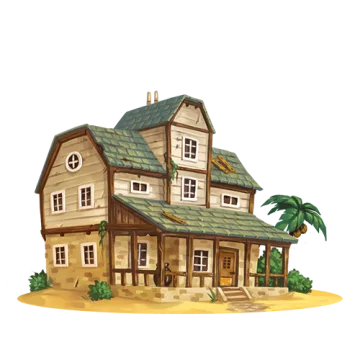
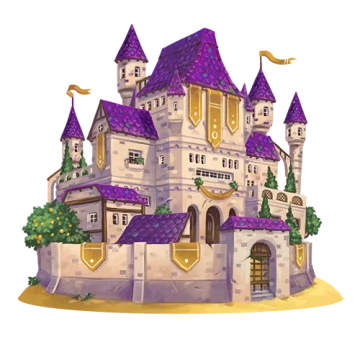
In Casa Tookan, every player's addresses live in a casa, a profile that grows from a hut to a castle. Your integration grows the same way. Each level works on its own, so stop wherever you like.
It already works.
If your site works with MetaMask, Xverse, Magic Eden or Unisat, it works in Casa Tookan. No SDK to install, no special case in your code.
window.ethereum (EIP-1193), announced over EIP-6963. Works with wagmi, RainbowKit and Web3Modal.window.unisat. SegWit, Taproot and Legacy addresses.window.webXCP and window.web3xcp. The user sees what a PSBT does before signing.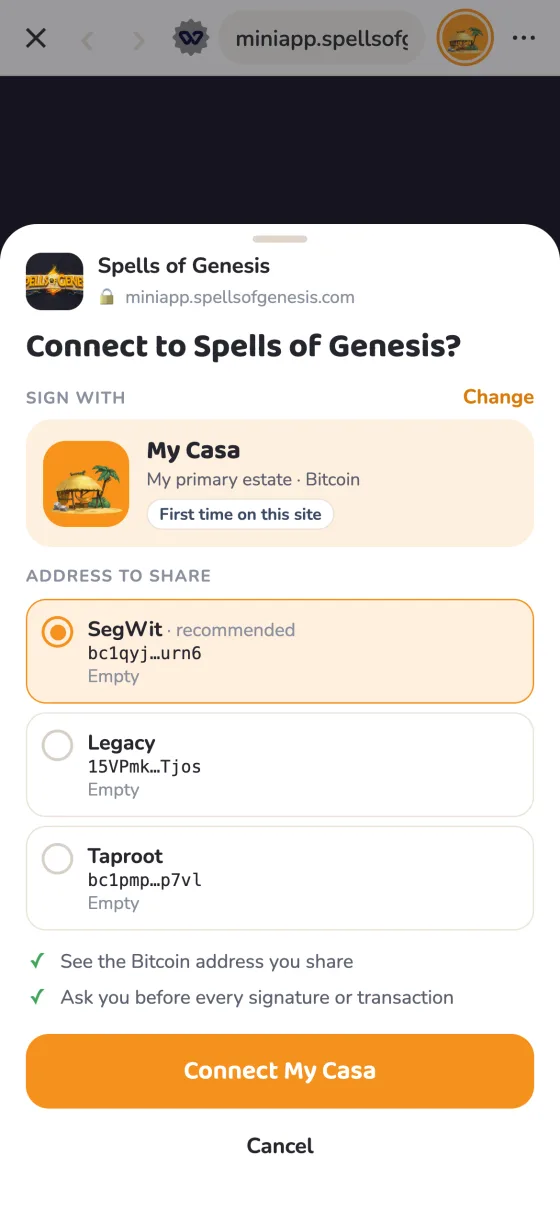
-
Open your site in the app
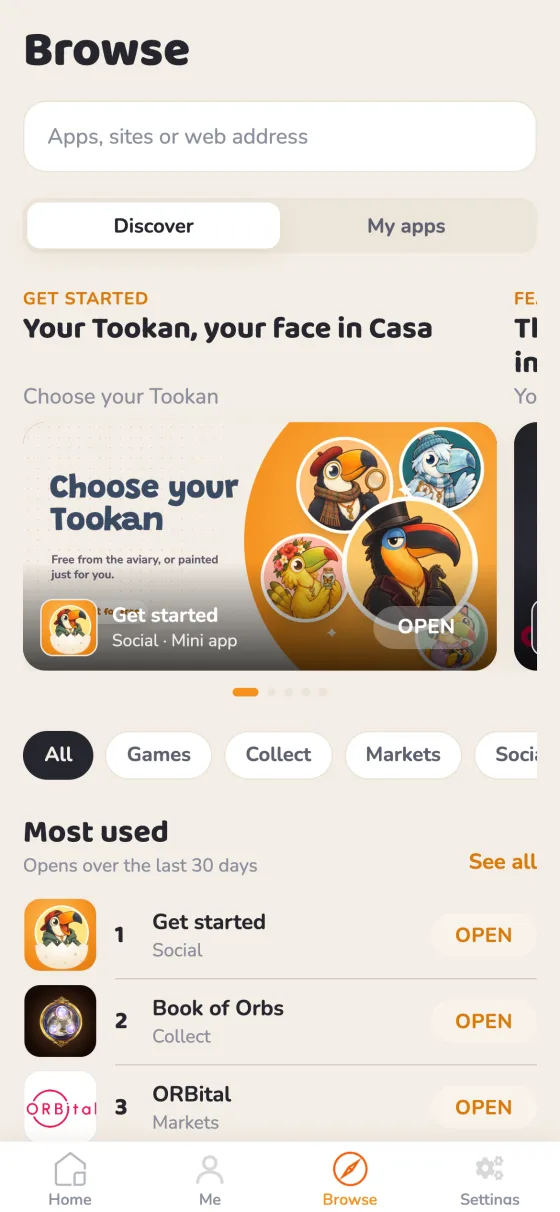
In Casa Tookan, go to Browse and type your URL.
-
Connect and sign, as usual
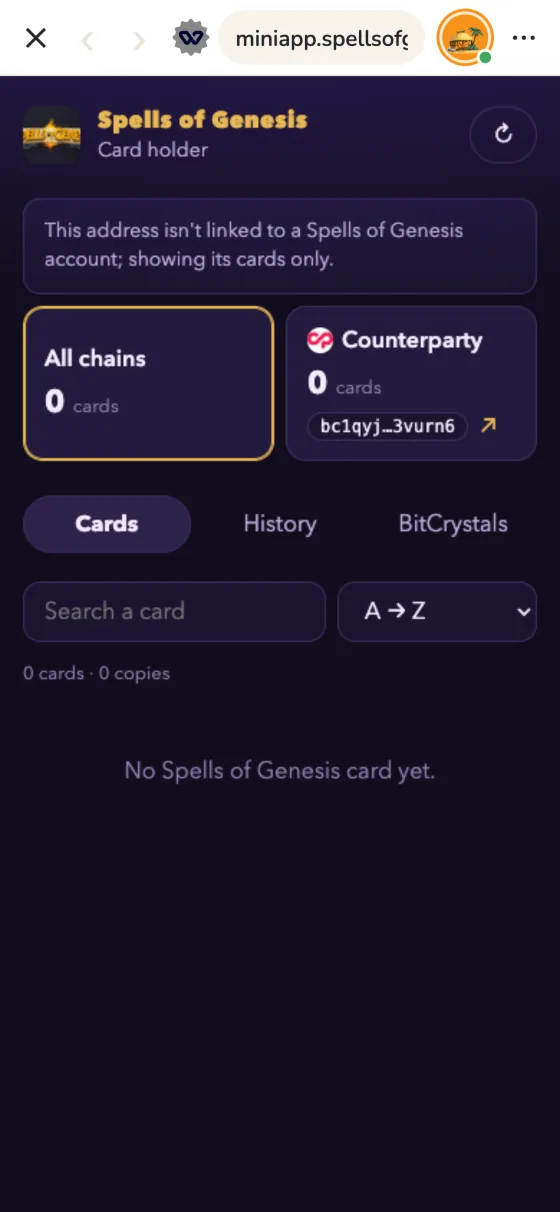
Every request opens Casa Tookan's signing sheet. It shows your site and the casa that signs, so you have no UI to build.
const [address] = await window.ethereum.request({ method: 'eth_requestAccounts' }); const signature = await window.ethereum.request({ method: 'personal_sign', params: ['Welcome to Orb Quest!', address], });import { request } from 'sats-connect'; const res = await request('getAddresses', { purposes: ['payment', 'ordinals'] }); if (res.status === 'success') console.log(res.result.addresses); // Or the Unisat dialect: the casa's Legacy address, where Counterparty assets live. const [legacy] = await window.unisat.requestAccounts();// The classic Counterparty API, with node-style callbacks. window.webXCP.getAccounts((err, accounts) => { if (err) return showError(err); loadCards(accounts); });Sites built for the original Casa Tookan or IndieSquare keep working. For new code, prefer a PSBT through
signPsbt: Casa Tookan decodes Counterparty sends, orders and dispensers before the user signs. -
Follow the casa
The user can switch casa from the address bar at any time, and your page gets the usual event. Each casa also has its own
localStorage, so sessions don't mix.window.ethereum.on('accountsChanged', ([next]) => setPlayer(next));
Pick Casa Tookan among other wallets · EIP-6963
On a desktop browser, MetaMask can lock window.ethereum so no other wallet can take it, Casa Tookan's web build included. Pick the provider announced as com.everdreamsoft.casatookan instead: it works everywhere. On the phone, window.ethereum is Casa Tookan's anyway.
window.addEventListener('eip6963:announceProvider', (e) => {
  if (e.detail.info.rdns === 'com.everdreamsoft.casatookan') useProvider(e.detail.provider);
});
window.dispatchEvent(new Event('eip6963:requestProvider'));

// Just want to know you're inside Casa Tookan?
const inCasaTookan = window.casaTookan?.isCasaTookan === true;
Use detection to say hello or to skip your wallet picker. Don't use it to switch features on or off: the providers are the API.
Test from your desktop · no phone needed
devapp.casatookan.com is Casa Tookan in a browser, with test wallets. It runs your site in a frame, where browsers apply rules a phone doesn't. Four changes, all on your side:
- Load the web bridge from your
<head>. - Let devapp frame your pages:
frame-ancestors 'self' https://devapp.casatookan.com. - Answer every
/.well-known/request withAccess-Control-Allow-Origin: *, 404s included (see level 2). - Give your session cookie
SameSite=None; Secure; Partitioned.
Step by step, with the bridge snippet: Test your app in the web build.
Bring players straight in.
Someone visiting your site in Safari or Chrome has no wallet there. One button opens the same page inside Casa Tookan.
<a id="open-casa" href="#">Open in Casa Tookan</a>
<script>
  document.getElementById('open-casa').href =
    'casatookan://browse/' + encodeURIComponent(location.href);
</script>!window.ethereum && !window.unisat), next to links to the App Store and Google Play. If the wallet is locked, the link is ignored: the user unlocks, then taps again.
Become an app.
Your site probably has a web manifest already. Add one wallet member and Casa Tookan shows your site as an app, not a plain website.
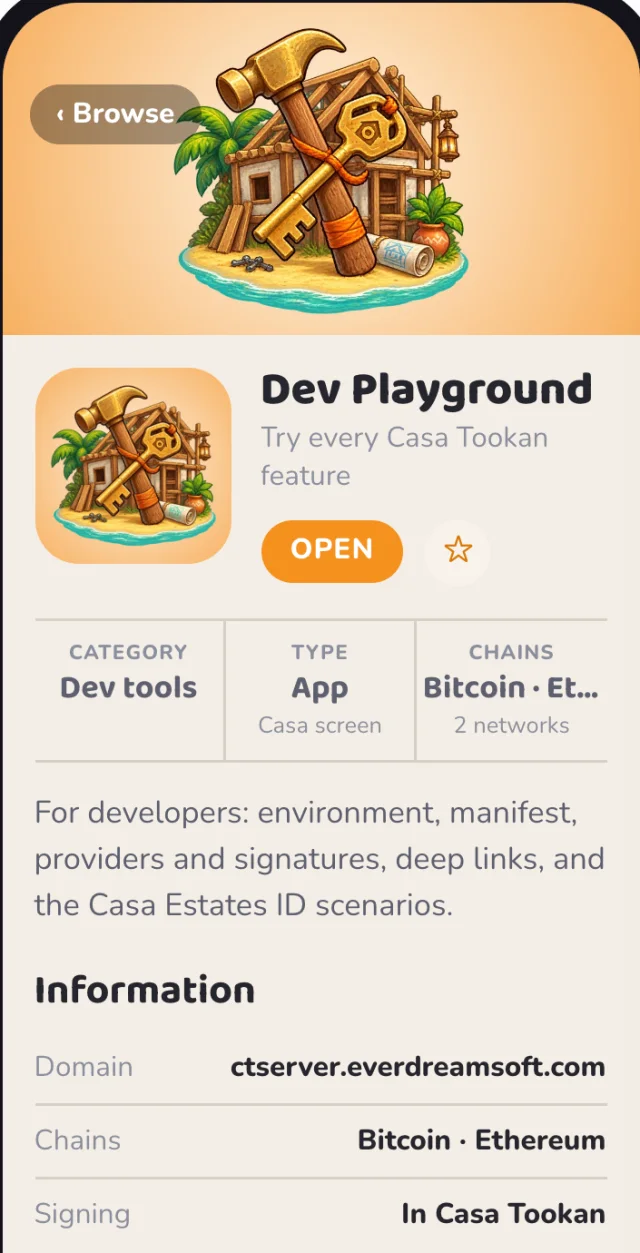 1
2
3
4
5
6
7
1
2
3
4
5
6
7
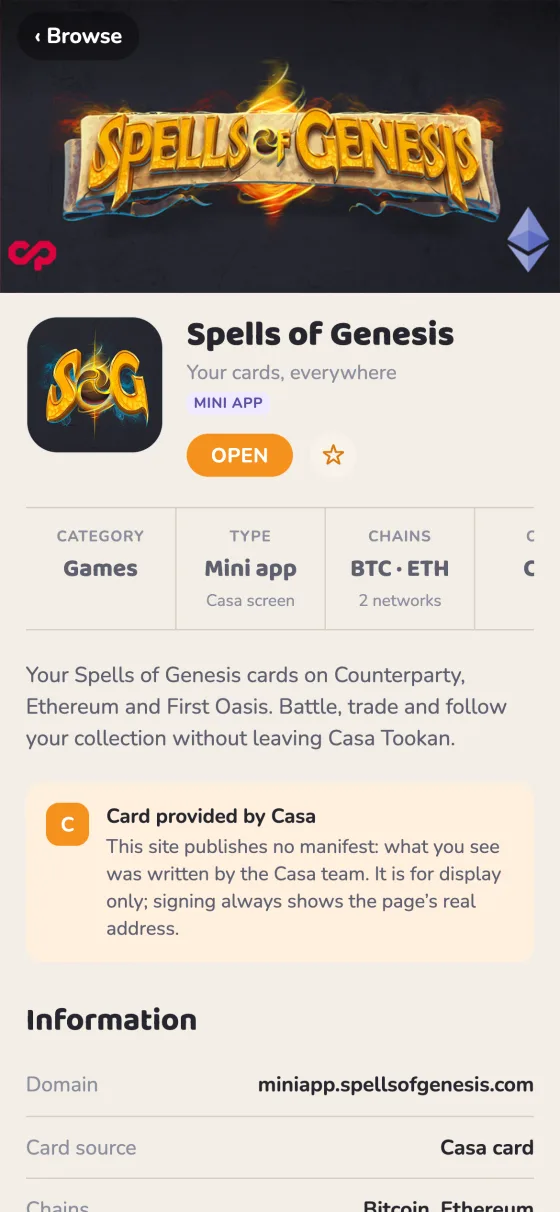
- 1Banner ·
wallet.heroImageUrl, 1200×630 - 2Icon ·
icons, 1024×1024 opaque - 3Name ·
name, 32 characters - 4Subtitle ·
wallet.subtitle, 30 characters - 5Category · the first of your
categories - 6Chains ·
wallet.chains - 7Description ·
description, 170 characters
The Dev Playground’s page, drawn from its manifest with Casa Tookan’s layout by the validator. Your manifest fills every one of these.
- Your name and iconIn the address bar and the signing sheet
- A splash screenYour art on your colour while you load
- A card in Browse › AppsWith your banner, one tap away
- Clear requirementsA notice instead of a broken page
-
Fill in your app
Only the name is required. The JSON updates as you type.
For a site without a manifest yet.
W3C standard, you may have it alreadywallet, what you add -
Publish it
Use either of these. Casa Tookan checks both and uses the first one that has a
walletmember.Where When to choose it Your existing manifest, linked by <link rel="manifest">on your home pageYou already have one. Keep the link in the served HTML, not added by a script. /.well-known/wallet-app.jsonYou'd rather keep it separate. Same JSON, served on its own. Serve it as
application/json. Put the images next to it: an opaque icon of 1024×1024, a banner of 1200×630, a splash of 200×200. These are Farcaster's sizes, so one set serves both. -
Allow browsers to read it
Send
Access-Control-Allow-Origin: *on everything under/.well-known/, 404s included, and on your images. The phone app doesn't need it, but the validator and Casa Tookan on the web do. Without it, a missingfarcaster.jsonlooks like a network failure.# THE_REQUEST, not REQUEST_URI: still /.well-known/ after a rewrite to index.php <If "%{THE_REQUEST} =~ m#\s/\.well-known/#"> Header always set Access-Control-Allow-Origin "*" </If>location /.well-known/ { add_header Access-Control-Allow-Origin "*" always; } -
Check it
The validator loads your live manifest, tests every image and shows your app the way Casa Tookan will draw it. Casa Tookan reads manifests once per launch, so restart the app to see a change.
Already have a farcaster.json or casatookan.json?
Both are still read, and merged field by field: casatookan.json (the earlier format) first, then the Wallet App Manifest, then farcaster.json. A Farcaster mini app only adds what differs in Casa Tookan, such as a banner, Bitcoin or Counterparty.
wallet is an open format, the Wallet App Manifest, that any wallet can read. Fields only Casa Tookan understands carry a casatookan: prefix. If your server has an outage, Casa Tookan keeps what it already knew about your app. Full reference: Build a Casa Tookan app.
Lift the curtain on cue.
Declare wallet.ready in your capabilities. Your splash then stays up until your first screen is drawn, so players never see a half-loaded page.
await loadAssets();
renderTitleScreen();
window.wallet?.ready();   // the splash fades, your game is there
With wallet.ready | The splash waits for ready(), up to 10 seconds. |
| Without it | The splash goes 2.5 seconds after the page settles. |
| Farcaster mini app | sdk.actions.ready() works the same. |
casatookan.ready and window.casaTookan.ready() still work. wallet.ready is the neutral name, and any wallet that hosts apps can offer it.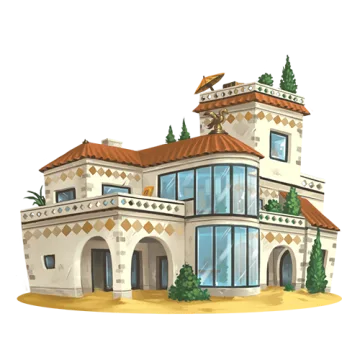
Log in from anywhere.
From a normal browser or a native game, send the player to Casa Tookan with a challenge. They come back with their Bitcoin and Ethereum addresses, each proven by a signature. No password, no extension.
-
Send the player to Casa Tookan
Your server makes a random, single-use challenge. Your page opens the link.
const { challenge } = await fetch('/auth/challenge').then((r) => r.json()); location.href = 'casatookan://x-callback-url/getaddress' + '?x-success=' + encodeURIComponent('https://orbquest.game/auth/casa') + '&msg=' + encodeURIComponent(challenge); -
The player approves
They see your site on the signing sheet, pick a casa and tap Sign in. Casa Tookan then opens your callback with
address,msgandsig:address = chain:bitcoin;1Ca5a…T00k;;separator;;chain:ethereum;0x1614…1313 sig = chain:bitcoin;H8k2…=;;separator;;chain:ethereum;0x5f1c…1b -
Verify on your server
Check that the challenge is yours and unused, then check both signatures. Watch out: the EVM one is not
personal_sign.import bitcoinMessage from 'bitcoinjs-message'; import { recoverAddress, keccak256, toUtf8Bytes } from 'ethers'; // "chain:bitcoin;1Ca5…;;separator;;chain:ethereum;0x16…" → { bitcoin, ethereum } const entries = (s) => Object.fromEntries(s.split(';;separator;;').map((e) => { const i = e.indexOf(';'); return [e.slice('chain:'.length, i), e.slice(i + 1)]; })); export function verifyCasaLogin(query, expectedChallenge) { const p = new URLSearchParams(query); const msg = p.get('msg'); if (msg !== expectedChallenge) throw new Error('challenge'); // then burn it const addr = entries(p.get('address')); const sig = entries(p.get('sig')); // Bitcoin: BIP-137, signed by the Legacy address. if (!bitcoinMessage.verify(msg, addr.bitcoin, sig.bitcoin)) throw new Error('bitcoin'); // EVM: raw secp256k1 over keccak256(msg), not EIP-191. const signer = recoverAddress(keccak256(toUtf8Bytes(msg)), sig.ethereum); if (signer.toLowerCase() !== addr.ethereum.toLowerCase()) throw new Error('ethereum'); return addr; }
Native app, or other chains?
Native app: use your scheme as the callback, x-success=orbquest. Casa Tookan opens orbquest://sendaddress?address=…&msg=…&sig=…. These values are not URL-encoded, as existing web3XCP apps expect, so split the query on &address=, &msg= and &sig=.
Other chains: signForAddress?chain=bitcoin,base&… signs on the chains you list, in that order.
Callbacks must be https:// or an app scheme; http:// is refused. Every detail is in dApp connections & deep links.
Know your players.
A Casa Estates ID is one account per player, across devices and recovery phrases. Key your saves on a stable number; ask for addresses only when you need them. Built for games that hand out rewards.
-
Declare it in your manifest
Inside your
walletmember:"capabilities": { "required": ["casatookan:identity.ceid"] }, "extensions": { "casatookan": { "identity": { "reason": "Your CEID keeps your progress across devices." } } } -
Sign the player in
if (window.casaTookan?.ceid?.available) { const { nonce } = await fetch('/auth/nonce').then((r) => r.json()); const { token } = await window.casaTookan.ceid.signIn({ nonce }); await fetch('/auth/casa', { method: 'POST', body: token }); } -
Verify the token on your server
import { createRemoteJWKSet, jwtVerify } from 'jose';

const JWKS = createRemoteJWKSet(new URL('https://ctserver.everdreamsoft.com/.well-known/jwks.json'));

const { payload } = await jwtVerify(token, JWKS, {
  issuer: 'https://ctserver.everdreamsoft.com',
  audience: 'https://orbquest.game',
  clockTolerance: 60,
});
// check payload.nonce, then key the player on payload.ceid
jwks-dev.json. The token, the anti-multi-account facts and the rules players live by are in Sign in with a Casa Estates ID.Before you ship
Six checks. Your ticks are saved in this browser.
Let your AI do it.
Paste this into Claude, Cursor or whatever writes your code. It covers levels 0 to 4.
Integrate my site with the Casa Tookan wallet (docs.casatookan.com/integrate.html).

Facts:
- Casa Tookan's in-app browser injects standard providers; do not add a custom SDK:
  window.ethereum (EIP-1193, EIP-6963 rdns "com.everdreamsoft.casatookan"),
  sats-connect / WBIP-004 / Wallet Standard / window.unisat for Bitcoin
  (unisat = the Legacy address, where Counterparty assets live),
  window.webXCP and window.web3xcp for Counterparty.
- Prefer the EIP-6963 provider with rdns "com.everdreamsoft.casatookan" (on desktop,
  MetaMask may lock window.ethereum). Detect with window.casaTookan?.isCasaTookan.
  Listen to accountsChanged: the user can switch casa (account) at any time.
  Each casa has its own localStorage.
- "Open in Casa Tookan" link: casatookan://browse/{encodeURIComponent(url)}.
- App manifest = the Wallet App Manifest (github.com/wallet-apps/manifest): the W3C
  web manifest (name, icons 1024x1024 opaque PNG, start_url, scope, background_color,
  description, categories) plus a "wallet" member:
  { "version": "1", "subtitle" (30 chars), "heroImageUrl" (1200x630),
    "splashImageUrl" (200x200), "chains": { "required": [CAIP-2] },
    "capabilities": { "required": [...] }, "extensions": { "casatookan": {...} } }
  Served via <link rel="manifest"> on the home page or /.well-known/wallet-app.json,
  as application/json. Send Access-Control-Allow-Origin: * on everything under
  /.well-known/ (404s included) and on the images.
  Bitcoin = bip122:000000000019d6689c085ae165831e93, Ethereum = eip155:1, Base = eip155:8453.
  Capabilities: provider.ethereum, provider.bitcoin, provider.counterparty, wallet.ready;
  Casa Tookan only: casatookan:identity.ceid. Counterparty = Bitcoin + provider.counterparty.
- With wallet.ready declared, call window.wallet?.ready() once the first screen is drawn.
- Login from a normal browser or native app:
  casatookan://x-callback-url/getaddress?x-success={encodeURIComponent(https callback)}&msg={encodeURIComponent(challenge)}
  Answer: callback?address=…&msg=…&sig=… (URL-encoded for https callbacks).
  address/sig = "chain:bitcoin;VALUE;;separator;;chain:ethereum;VALUE".
  Bitcoin sig: BIP-137 base64 by the Legacy address (bitcoinjs-message verify).
  EVM sig: raw secp256k1 over keccak256(utf8(msg)), 0x r s v (v=27+recid), NOT EIP-191:
  ethers recoverAddress(keccak256(toUtf8Bytes(msg)), sig).
  Challenges are random, single-use, verified on the server.
- Desktop testing in devapp.casatookan.com (see ctserver.everdreamsoft.com/docs/web.html):
  web bridge in <head>, frame-ancestors 'self' https://devapp.casatookan.com,
  CORS on /.well-known/, session cookie SameSite=None; Secure; Partitioned.